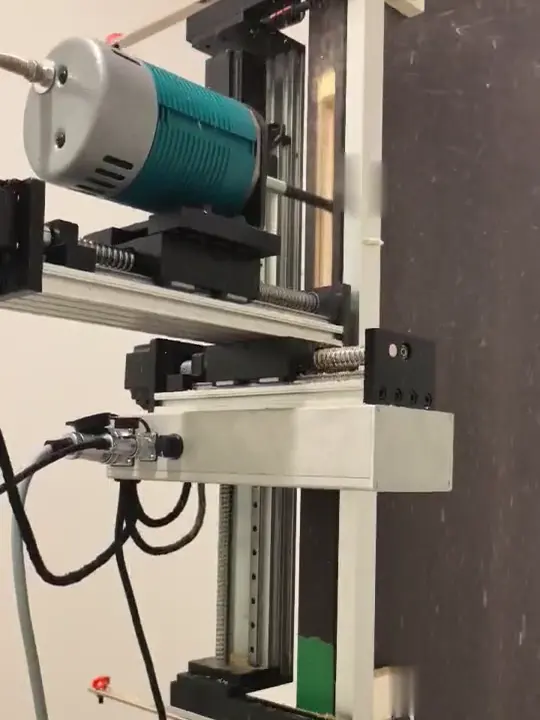
Lock Mortise Templates
Select a stored template, or generate one for a new lock.
The controller stores a large number of drawings and templates, so a lock you have cut before is a file you select.
For a new lock, dedicated software helps you generate the cutting template. A simple pocket can also be entered by size on the touchscreen.
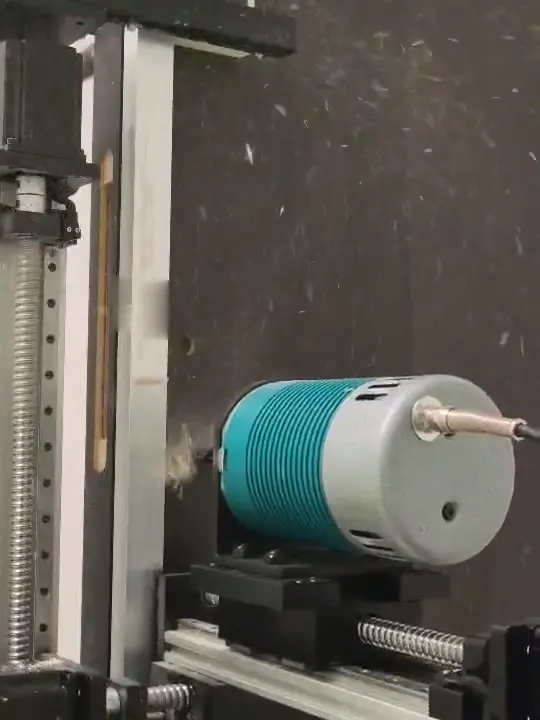
Cylinder and handle templates
For cylinder, handle, spindle and fixing holes in the face of the door.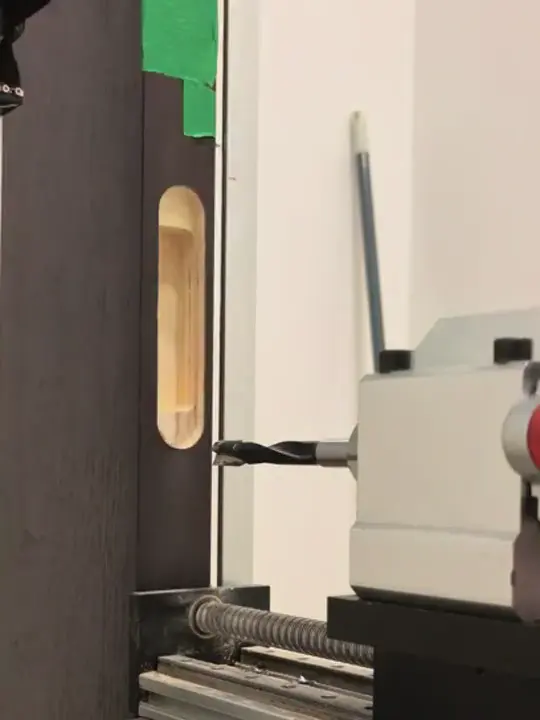
Butt and concealed hinge templates
For the recesses that take butt hinges and the stepped pockets that take concealed hinges.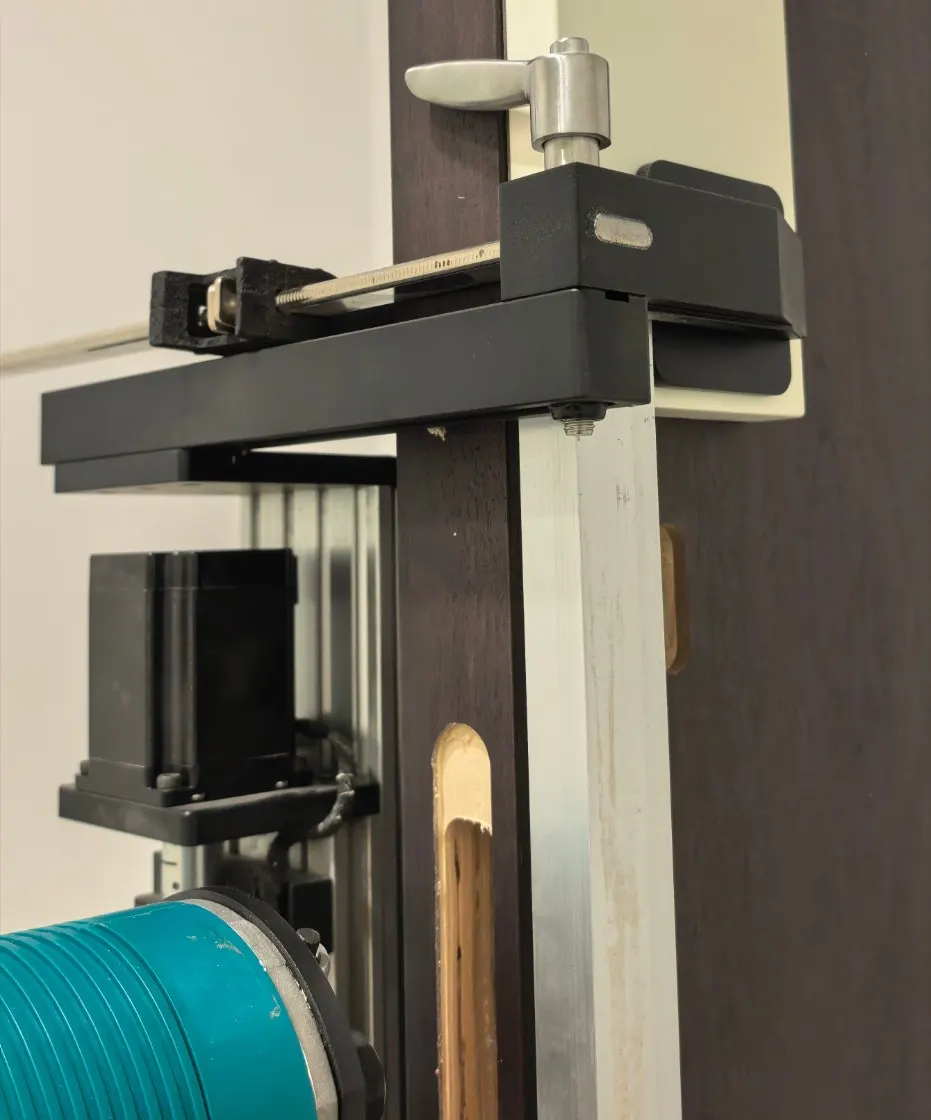
Pivot hinge templates
For the mortises used to fit top and bottom pivot hinges in a door.How do you get a template for a new lock?
- Measure the lock and the door. Take the faceplate, the body, the hole centres and the door thickness, or find the lock maker's drawing.
- Ask by brand and model. The manufacturer confirms whether a template is stored or has to be generated.
- Check the cutter. It must reach the deepest pocket and fit the smallest corner in the template.
You can then use the template in four steps on either edition of the CNC lock mortiser.